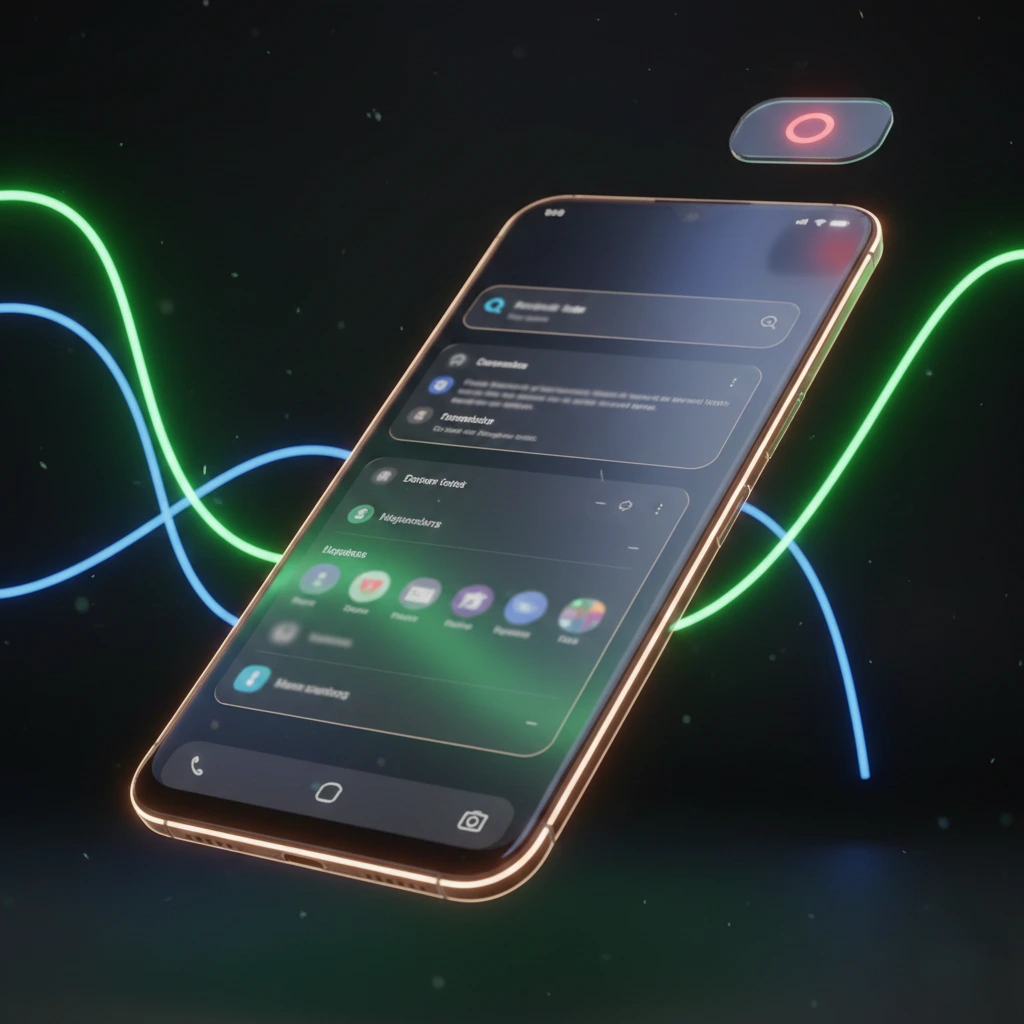
Android 17 leaks showcase a refined blur-based interface and a redesigned floating screen recording tool
Android 17 Leaks Reveal Stunning System Blur UI & Revamped Screen Recording Tools
Google’s upcoming operating system is already making headlines as Android 17 leaks reveal major visual and functional upgrades. According to early reports, Android 17 will introduce a system-wide blur interface along with a redesigned floating screen recording tool, marking one of the biggest UI refinements in recent Android history. These changes suggest Google is focusing on polish, usability, and creator-friendly tools in its next major update
In the latest wave of leaks ahead of Google’s Android 17 launch, developers and tipsters have revealed exciting visual and functional upgrades most notably new system-wide blur effects and a fresh screen recording interface that promises smoother usability for creators and everyday users alike. These changes hint at a big step forward in how Android feels and looks in 2026.
What’s New in Android 17: More Than Just a Refresh
1. System-Wide Blur Effects Give Android a Polished Look
One of the most striking leaks about Android 17 is the introduction of an extensive blur effect across core system UI elements from the volume slider and power menu to system panels and overlays. Instead of flat, opaque backgrounds, Android 17 introduces translucent, blurred layers that let wallpapers and apps subtly show through.
This approach is part of Android’s evolving Material 3 Expressive design language — aimed at making UI elements feel lighter, more cohesive, and visually richer without drastically changing how the OS functions. The blurred effect reflects a softer aesthetic that keeps users oriented in the interface while adding modern visual depth.
Unlike past versions where solid panels dominated, Android 17’s UI looks more dynamic and layered, similar in spirit to Apple’s much-talked-about “Liquid Glass” concept though Google’s version remains subtly elegant rather than flashy.
Key UI changes with blur effects:
-
Translucent volume and media controls
-
Blurred Power Menu and Quick Settings overlays
-
Wallpaper-aware background blur in system panels
-
Dynamic Colour tinting that blends with wallpapers
These new visuals not only look premium, they also help users stay visually connected to what’s happening behind menus a smart move for both aesthetics and usability.
2. Redesigned Screen Recording With Floating Controls
Android’s standard screen recording tool is also getting a major upgrade in Android 17. Instead of a static Quick Settings pop-up, the new interface uses a floating pill-shaped control that remains accessible throughout recording.
This revamped recorder is expected to offer a more intuitive and flexible experience, with options such as:
-
Record device audio
-
Record microphone
-
Show touches
-
On-screen controls that stay draggable
-
Quick access via a status-bar timer during recording
The floating pill makes managing screen captures easier, especially for content creators, social sharers, and tech reviewers who often record tutorials or gameplay. Some leaks also suggest the recorder might support simple annotation tools and post-capture previews, helping users edit and share recordings faster.
This update transforms the utility from a simple snapshot tool into a more powerful, creator-friendly feature.
Why These Leaks Matter
Although not official yet, these Android 17 leaks signal Google’s intent to focus on polished design and smoother tools rather than just incremental backend changes. Here’s why that’s significant:
Visual Consistency: The new blur effects modernize the look and feel of Android without forcing users into a completely new interface paradigm.
Better User Experience: Subtle translucency keeps users engaged without distraction, helping with context retention.
Enhanced Utility: The floating screen recorder makes capturing device screens easier, more flexible, and more powerful ideal for a generation that creates and shares video content daily.
With Android 17 expected to arrive in mid-2026, these leaks have already set high expectations for Google’s next flagship Android release.
When Can Users Expect Android 17?
While Google has not announced an official release date, industry insiders point to a developer preview and beta cycle early in 2026, with a possible stable rollout around Google I/O 2026 or shortly after. This gives developers and enthusiasts time to test new features and provide feedback before the wider launch.
Final Thoughts
Android 17 isn’t just another number — it appears to be a visual and functional overhaul focused on clarity, elegance, and improved in-built tools. From the sweeping system blur effects to the smarter screen recorder, these leaks show that Android is aiming for a smoother, more user-centric experience in the next iteration of its operating system.
Stay tuned to PrimeBulletin for more Android 17 updates as leaks evolve into official announcements.
SEO FAQs (Rich Snippet Ready)
What are the main Android 17 leaks so far?
Android 17 leaks suggest a new system-wide blur UI, floating screen recording controls, improved visual depth, and enhanced usability across system menus.
Does Android 17 include a new screen recorder?
Yes, leaks reveal a redesigned screen recording feature with floating on-screen controls, audio options, and easier access during recording.
What is the system blur feature in Android 17?
The system blur feature adds translucent, blurred backgrounds to menus like Quick Settings, volume controls, and overlays, giving Android a more modern and premium look.
When will Android 17 be released?
Android 17 is expected to enter developer preview in early 2026, with a stable release likely after Google I/O 2026.
Which devices will get Android 17?
Although no official list is available, Google Pixel devices and flagship Android phones from Samsung, OnePlus, and Xiaomi are expected to receive Android 17
About the Author